Rebuilding my home church's website: from $47 a month to almost free
Harbor View Presbyterian had been paying $47 a month for years for a WordPress site nobody in the office could edit. The replacement: a fully custom build, a private admin portal designed around how a church office actually works, all new photography, a three day launch with zero email downtime, and an annual recurring bill that dropped to the price of a hamburger meal.
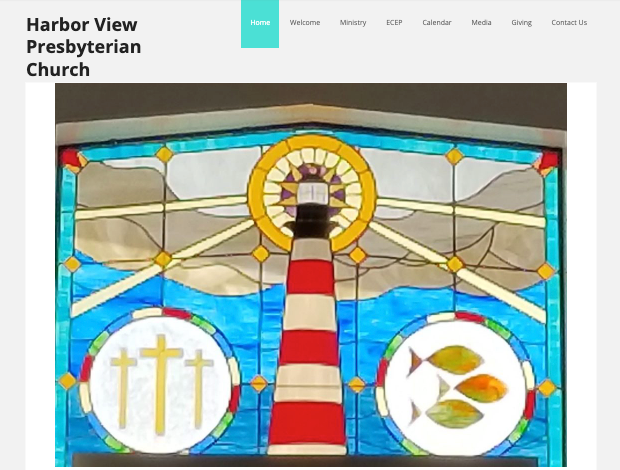
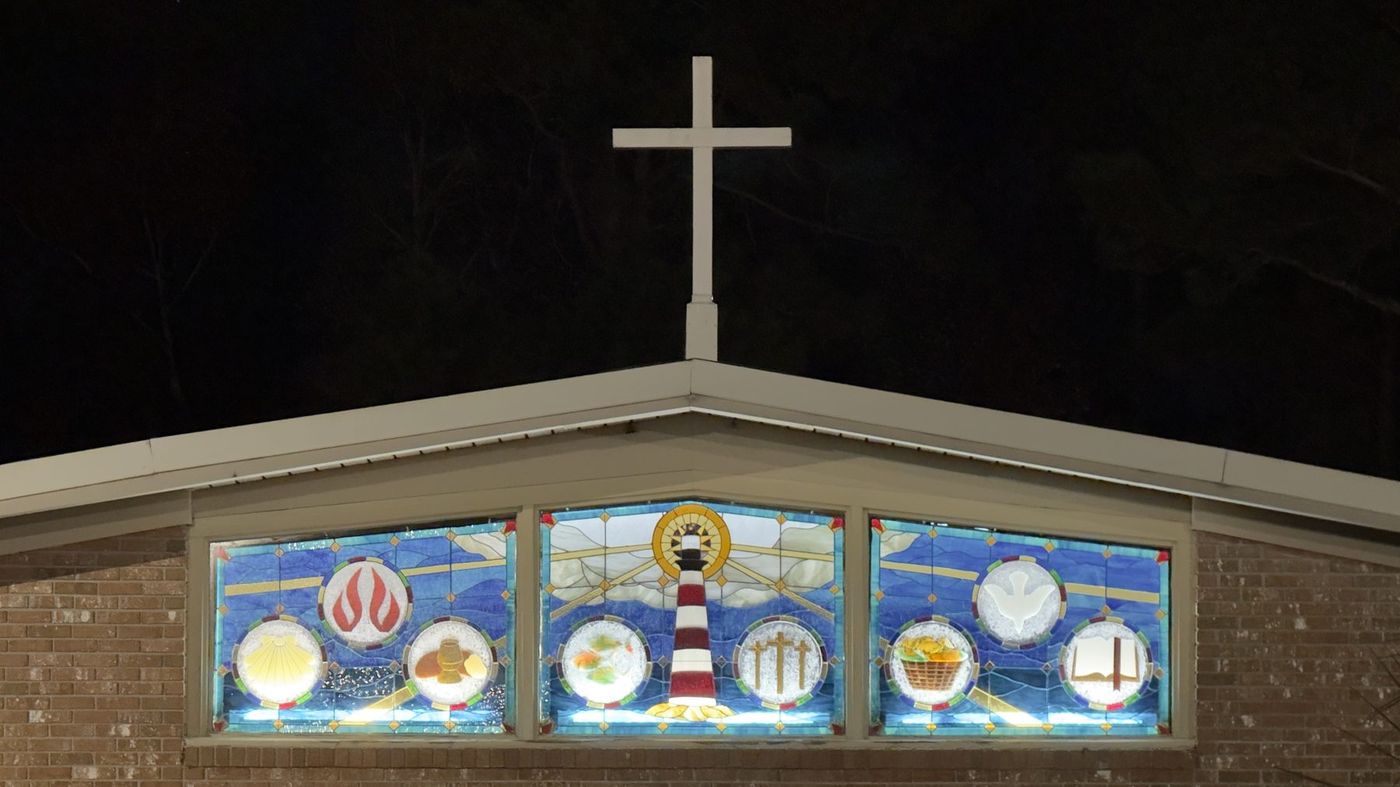
Harbor View Presbyterian Church is my home church. It sits on Harbor View Road on James Island, a few minutes from downtown Charleston, with a lighthouse worked into the stained glass above the sanctuary. This summer I rebuilt its website from the ground up, and this post is the whole story: what the old site cost, what had quietly gone wrong over the years, what I built to replace it, and what happened in the first month after launch.
I am writing it down for two reasons. People ask me what a custom website actually buys you compared to a template, and one real example beats any amount of abstract talk. And the ending is my favorite launch story we have.
The $47 a month website#
The old site was a WordPress build from a company that specializes in church websites. The church had been paying $47 a month for it for years, a figure that matches the entry tier still listed publicly on that company's pricing page today. That is $564 a year, every year.
To be fair, that price is ordinary in the church website world, and the company's published rate for its best offering (a custom design of up to 60 pages) is $6,697 up front plus $77 a month. The problem was never the size of the invoice. The problem was what the church could actually do with what it was paying for.
Nobody in the office could update the site. That is no knock on the office staff; a WordPress dashboard is a genuinely confusing place full of plugins, themes, and menus that have nothing to do with the sentence you are trying to change. So the site drifted. The staff page showed people who had moved on years earlier. Old events lingered. When updating a website requires a support ticket or a working knowledge of WordPress, the updates simply stop happening. Any small business owner with a stale site knows exactly how that drift goes.
The part nobody could see#
While preparing the rebuild I went through everything the old site made public, and found a problem worse than stale staff photos. Years of newsletter archives were sitting on the open internet, and the older issues contained member information that should never have been public. This was not hypothetical: scammers had found it, and members of the congregation had been targeted.
Nobody did this on purpose. Archives grow one upload at a time, and nobody ever goes back to read a five year old newsletter, so nobody notices what it still contains. The new site treats the archive as something to manage, not a bottomless filing cabinet: only the most recent year of newsletters stays online, older issues delete themselves automatically every day, and member contact information never touches the public internet at all.
If your organization posts newsletters or bulletins on its website, go read your oldest one today. That is the most useful sentence in this post.
What I built instead#
The replacement is a fully custom site: no WordPress, no page builder, no plugins to keep updated. Every page is generated ahead of time as a static file and served from a global network, which is a big reason it loads the way a site should.
The half I am proudest of is the half visitors never see. The office signs into a private admin portal that was designed around how a church office actually works, not around a database. Staff can search for any sentence that appears anywhere on the site and change it, with a live preview that scrolls to and highlights the exact section being edited. There is a photo library, an events editor, and a staff editor. When the office uploads the weekly newsletter, the site publishes it and emails it to the congregation's subscriber list automatically, with a working unsubscribe link and the one year retention rule enforced without anyone thinking about it.
New photos, not just new code#
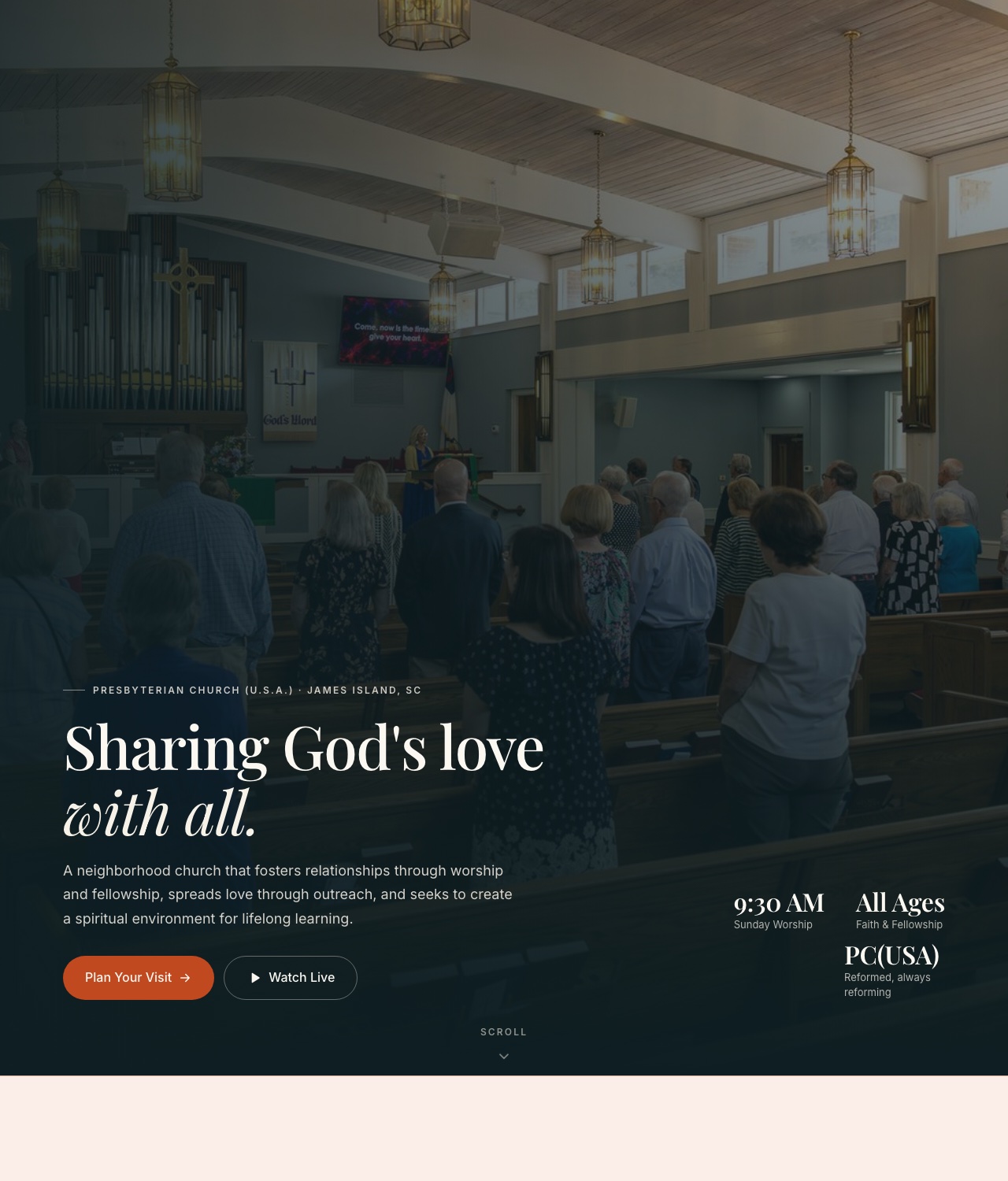
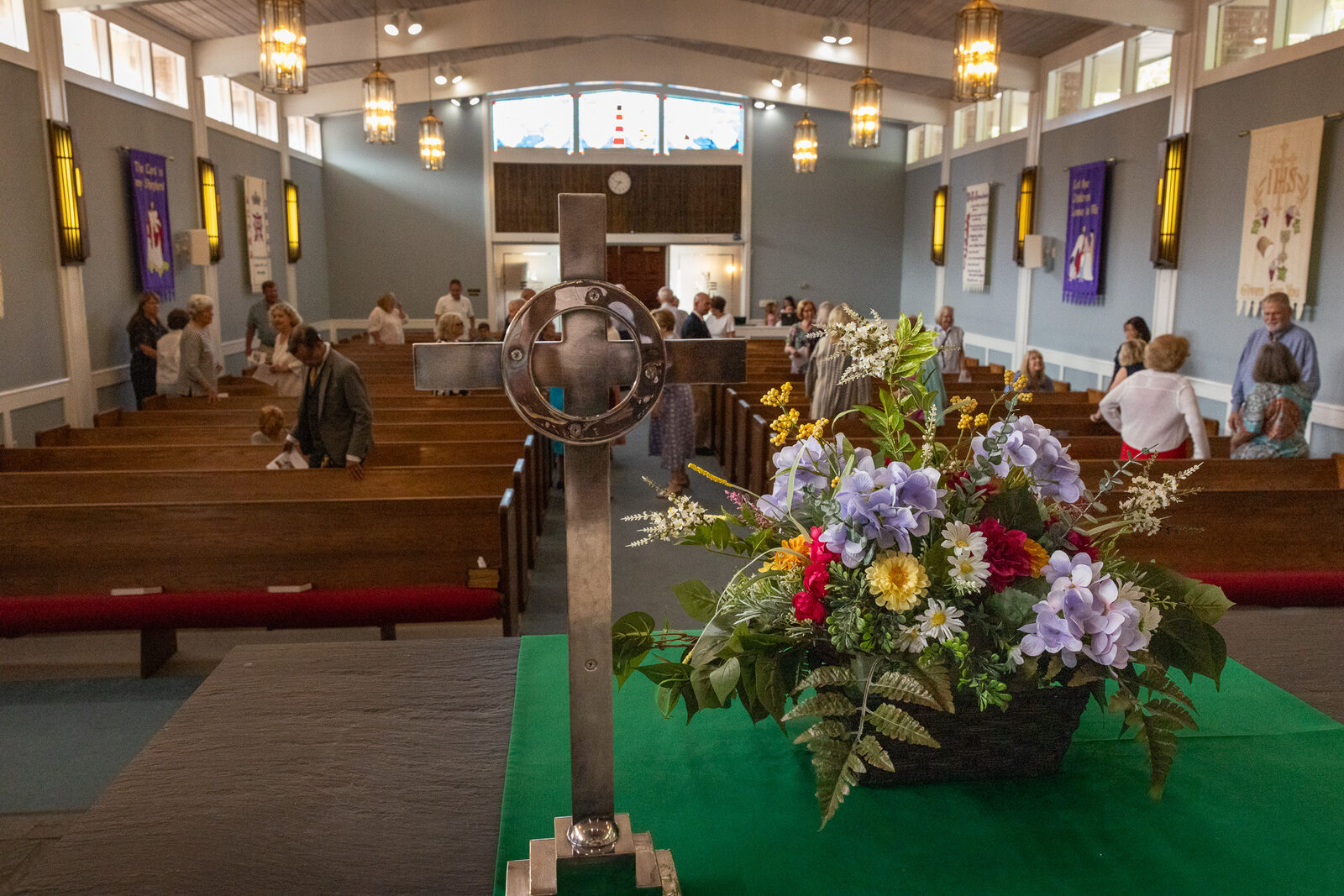
The church's photo library was years old, and the newer additions were cellphone shots. No design can rescue dated photos, because a website is only ever as good as its imagery. So for a couple of weeks I brought my own cameras (a Canon R5 Mark II and R6 Mark III with fast professional glass) to Sunday services, ministries, and staff portraits, and rebuilt the church's entire image library alongside the site. Having design, build, and photography move together is a luxury most projects never get, and you can see it on every page.
Three days from the first meeting to launch#
Because this is my home church, I did something a studio can rarely do for a client: I built the entire site quietly first, on my own time, before asking anyone for a meeting. On June 23 I sat down with the church staff and showed them the finished site next to their old one. On June 26 it was live at harborviewpc.org, on the same domain the church has always had. Three days from first look to launch, and most of that was DNS propagation.
The cutover preserved the church's email completely. Mail records were rebuilt in a new DNS account before the switch, so nobody's inbox blinked, which is the part of a migration that actually scares people, and the part where respecting the boring records pays off.
The church owns everything now#
This matters more than any feature. The domain registration, the DNS account, the hosting account, and the site itself all belong to the church, in the church's own accounts. I wrote in the twenty dollar website guide that the domain is the one asset that must always be yours, and that rule does not bend for a volunteer project. If I moved away tomorrow, the church could hand the keys to any developer in town and lose nothing.
Found on Google for the first time#
In all its years online, the old site had never been registered with Google Search Console. Google had never been handed a sitemap or asked to take the church seriously. So I registered the property, submitted the sitemap, and did the unglamorous local SEO work: accurate structured data, real page titles, a homepage that says plainly who and where the church is. Within weeks the site was appearing for searches like "churches on James Island SC" where it had been effectively invisible.
Here is the ending I promised. Two weeks after launch, the Sunday morning greeters welcomed a first time visitor who told them they had found the church's website on Google, and that it looked like a friendly place. That sentence is the entire point of a church website. Not analytics dashboards. A person at the door.
What it costs now#
- Before: $564 a year, every year, for a site that was going stale anyway.
- The published upgrade path at the old provider: $6,697 up front plus $77 a month for the top tier.
- Now: roughly $20 a year for the domain renewal. At a church's scale of traffic, modern hosting costs nothing.
I donated the design, build, and photography because this is my church, and labor is what you normally hire a studio for. But the recurring side is the honest headline: there is no technical reason a neighborhood church needs to pay $50 a month forever for a website it cannot edit. In the sense that matters, the annual bill, this is a true twenty dollar website.
Questions worth asking about your own site#
- Who owns your domain, and could you log into the registrar account today if you had to?
- Can the least technical person in your office change a sentence on the homepage without filing a support ticket?
- What is in your oldest publicly posted newsletter or bulletin? Go read it.
- What did you pay for your website last year, and what actually changed on it?
- When did someone last Google your organization and honestly look at the result?
None of those questions need a developer to answer, and every one of them matters more than how the website looks. The site is live at harborviewpc.org, and the sanctuary with the lighthouse window is open every Sunday. Come say hello.
Want the next post as it ships? Subscribe to the RSS feed.